Your suppliers and purchase orders, next to your bookings.
One directory of everyone you pay, purchase orders you send and follow, and stock received straight into your inventory, in the same staff app as CentrIQ Booking.
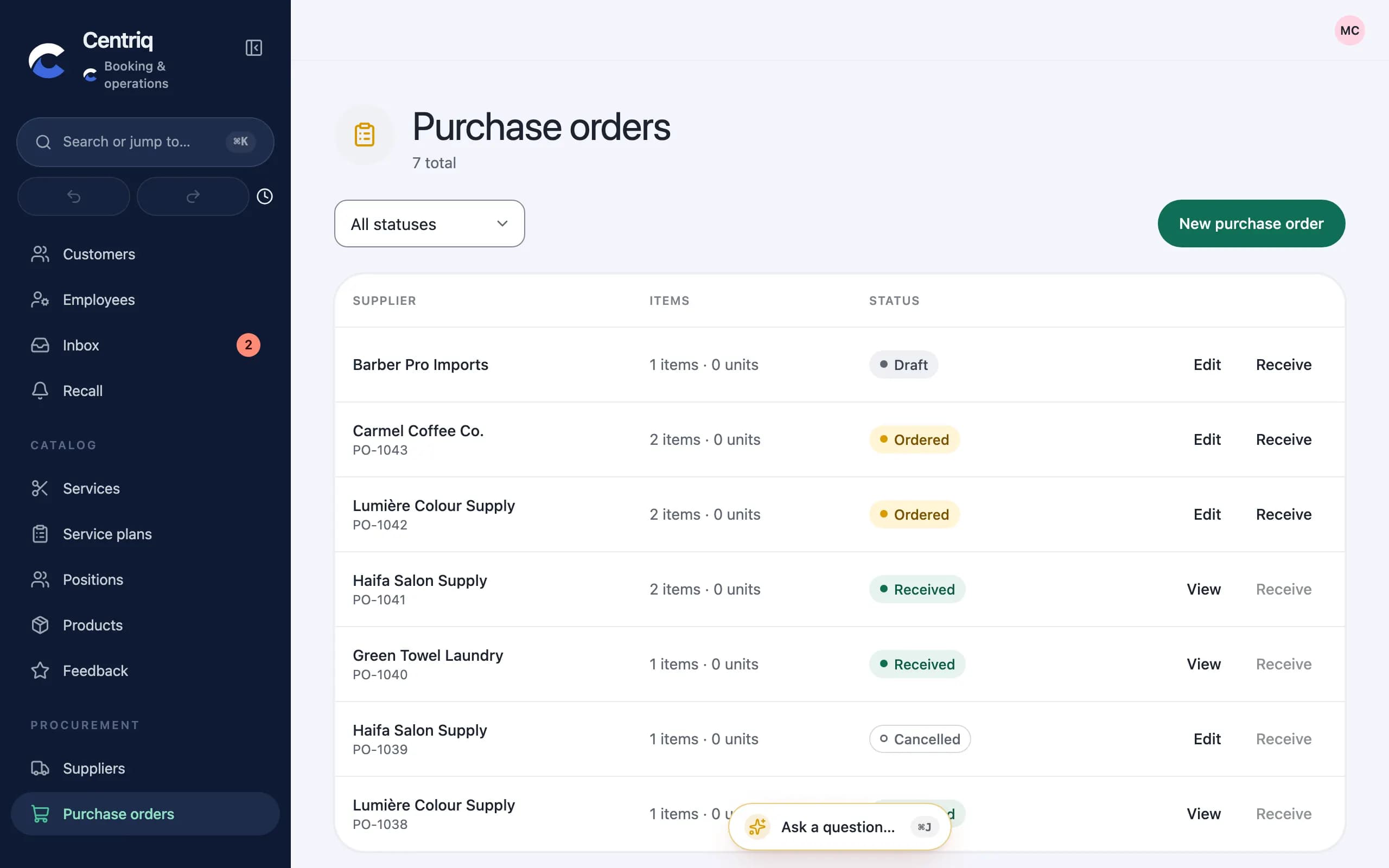
One directory of suppliers
Product vendors, labs, cleaners, contractors, technicians: everyone you pay, with contacts and tags, searchable in one place. Retire one without losing its history.
- Search by name, phone, email or tag
- Archive instead of delete
- Open it from the staff app or ⌘K
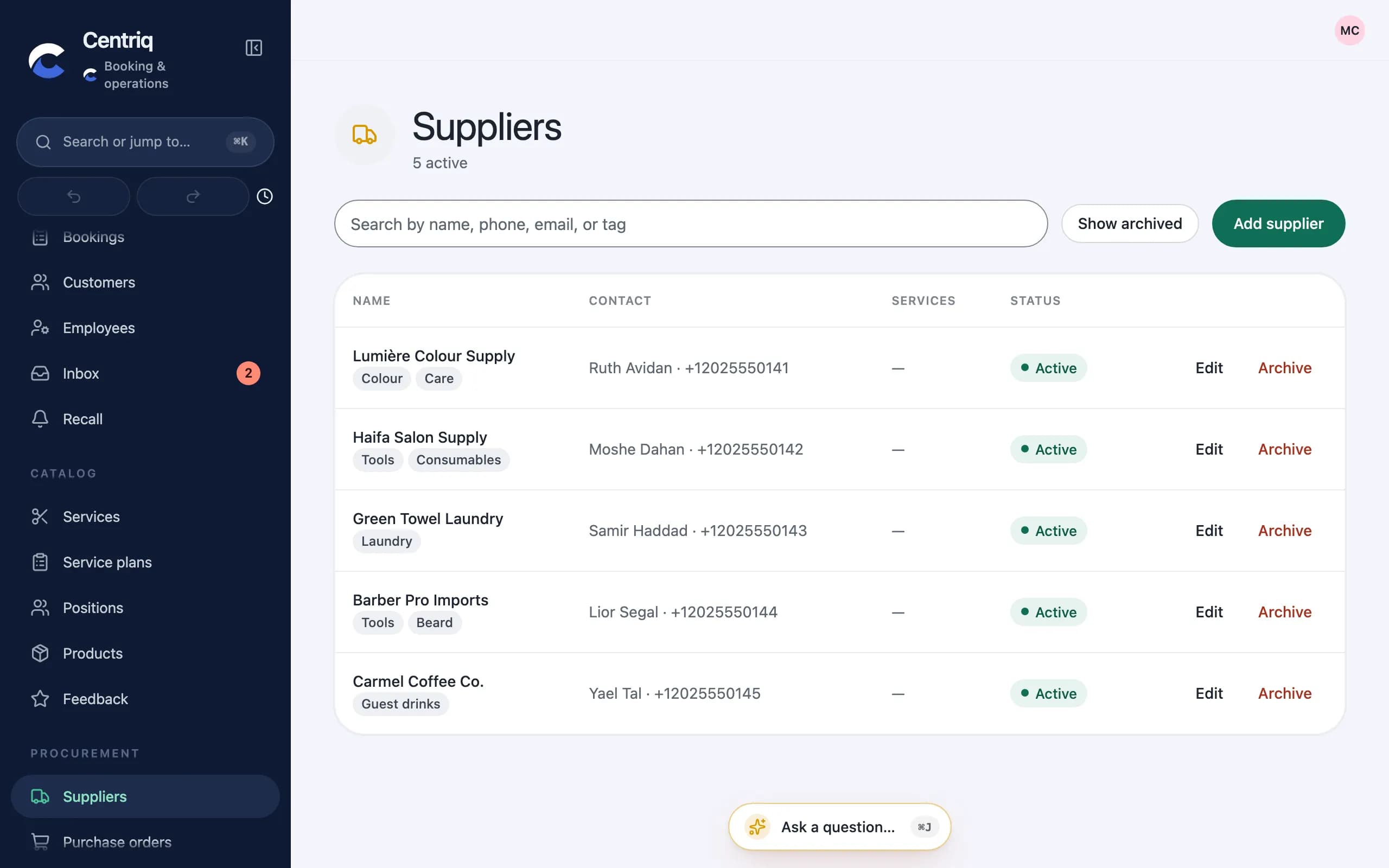
Purchase orders you follow
Raise a purchase order for what you buy, send it, and follow it until it arrives. Receiving it adds the stock to your inventory automatically.
- Stock lands in inventory on receipt
- Batches and expiry dates
- Every movement recorded
Cost rates kept private
Only the owner and staff given the Manage suppliers permission see this section, because what you pay suppliers is sensitive.
- A permission of its own
- Works on the phone too
- In English, Hebrew and Arabic
How it's protected
Supplier costs are behind their own permission; nobody else on the team sees them.
Read how we protect your dataWorks with your other CentrIQ apps
Each app hands the next one only what it needs, and each keeps its own access rules.
- ProcurementBooking
In Booking's staff app
Procurement lives next to your calendar, products and inventory, with the same sign-in.
- ProcurementContracts
Supplier agreements
Keep the agreements behind your orders in CentrIQ Contracts, with a warning before they end.
Set up with you
- Comes in Booking's staff app
- Talk to us for your business
- One account with your other apps